
Unsharp mask online, with its units written down
| Control | Range | Default | Unit |
|---|---|---|---|
| Amount | 0–300 | 80 | percent of the high-pass residual |
| Radius | 0.3–8 | 1.0 | Gaussian sigma, pixels |
| Threshold | 0–50 | 3 | 8-bit levels, soft-ramped |
What is different from an editor's dialogue
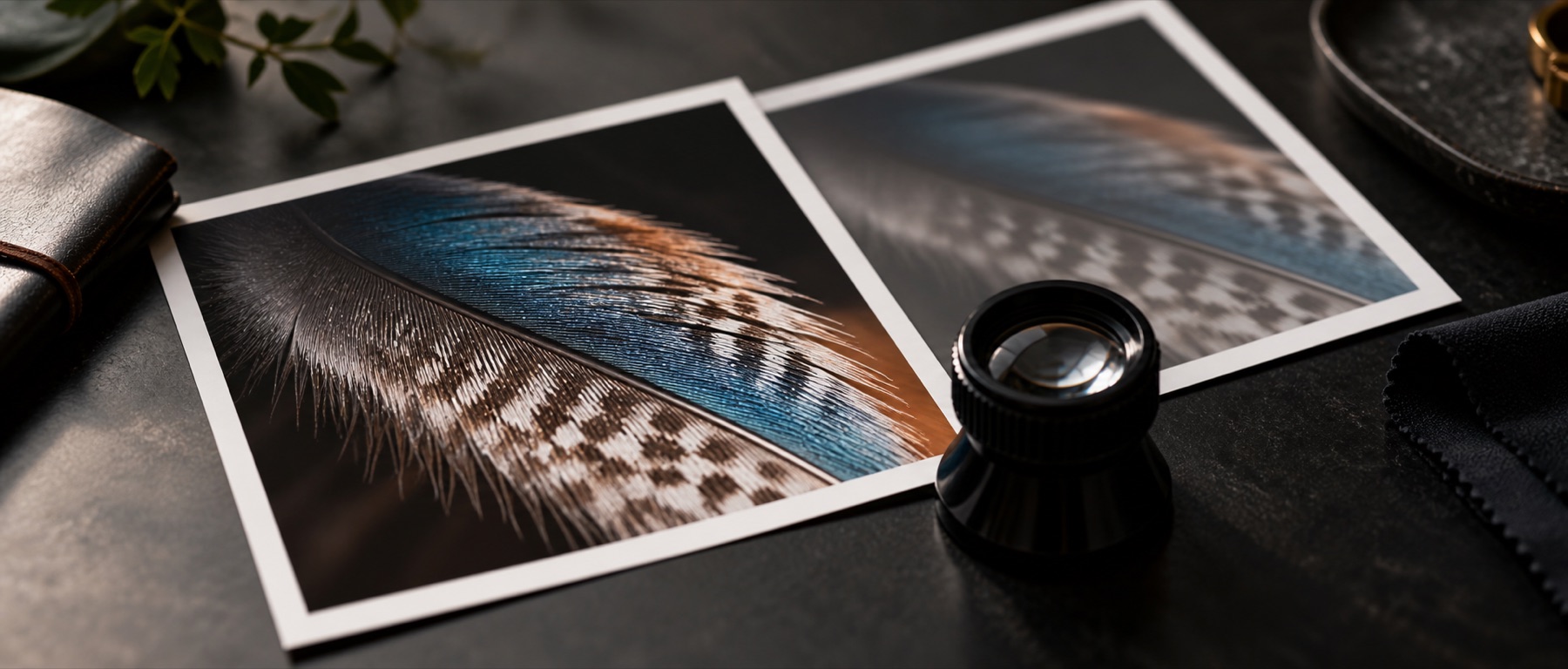
The filter is applied in linear light, so the two sides of an edge behave symmetrically and a clamp means the same thing on either side. The preview is the loupe at 100 %, computed by the same function as the full-size export, which the engine report checks tile against frame.
Related on this site
- Each control at its extremes, with worked settings, in amount, radius and threshold.
- How to read a rim and trace it back to a setting: reading a sharpening halo.
- For a picture where you would rather start from the measurement than from numbers: the measured starting point.
Questions: unsharp mask online
Are amount, radius and threshold the same as in Photoshop or GIMP?
The same three ideas, with stated units. Amount multiplies the difference between the picture and a blurred copy (0–300 %). Radius is the Gaussian sigma of that blur, in pixels (0.3–8). Threshold is in 8-bit levels, converted exactly through the sRGB curve, with a soft ramp over the next four levels so no contour appears at the cut-off. The arithmetic runs in linear light, so numbers will not match another program's result pixel for pixel.
What do the overshoot and undershoot clamps add?
Control over each side of the halo separately. A sharpened pixel may run only a stated share past the brightest and darkest values its own neighbourhood already held. Zero overshoot forbids a white rim outright while still allowing a dark one. The realised overshoot and undershoot are printed beside the clamps in code values.
How do I know the radius is too large?
The rim taxonomy under the halo figures names the worst rim on the loupe — bright halo, dark halo, double edge, noise crawl or colour fringe — and the control to move. The edge trace draws the profile across that edge, before and after, with the overshoot filled in.
Does it sharpen colour?
Not by default. The change is computed on luminance and applied to red, green and blue as one ratio, which keeps edges from growing colour fringes. All three channels separately is an option, and the taxonomy flags the fringes it can cause.