
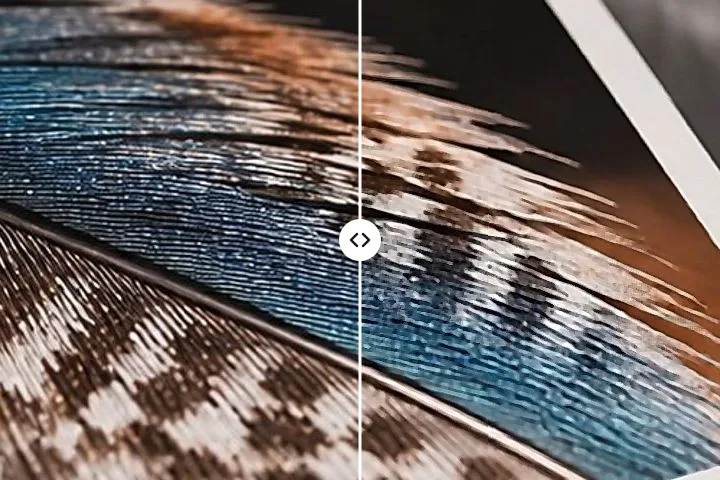
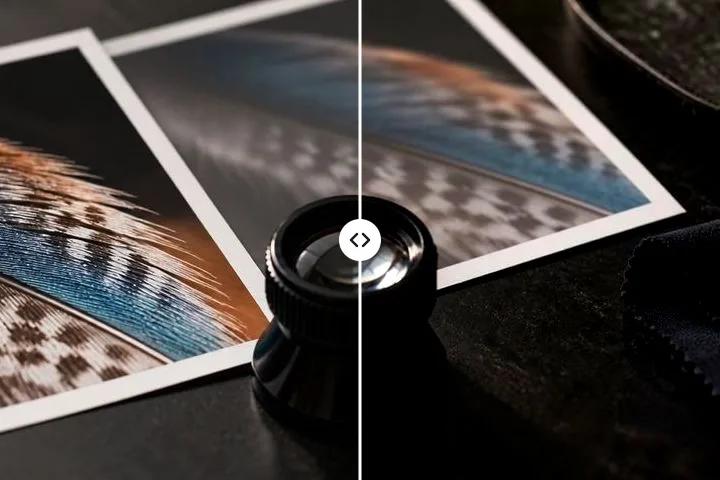
What sharpening actually changes
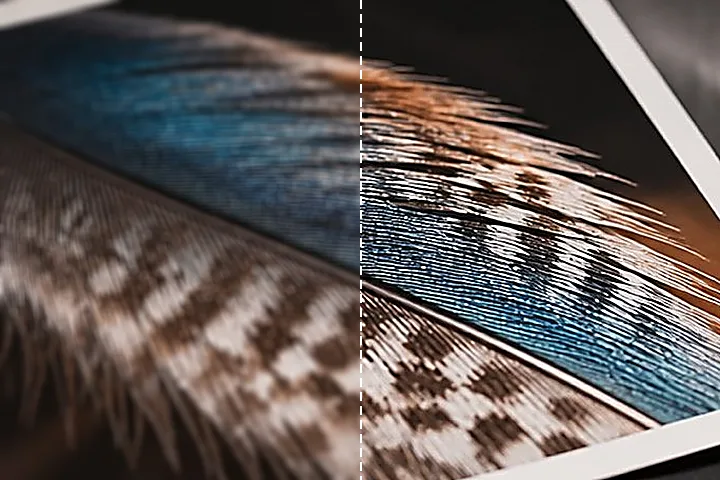
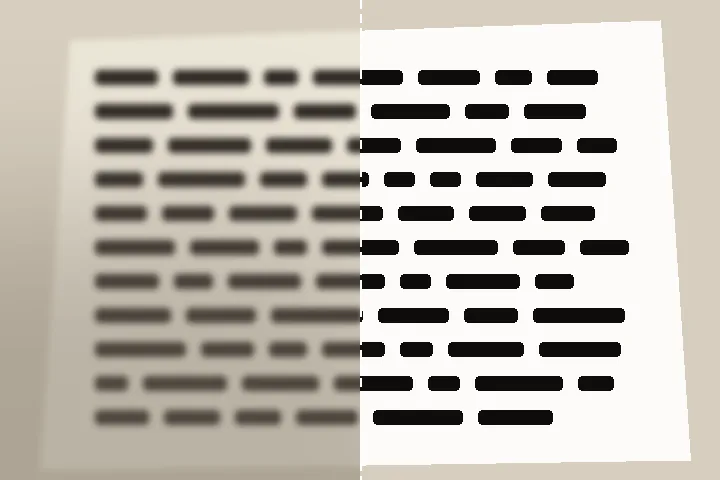
There are two different things people mean by a sharper picture, and only one of them is available. Resolution is how much detail the lens and the sensor recorded — how close two lines can be and still be two lines. It is fixed at the moment of exposure and nothing downstream raises it. Acutance is how abruptly the tone changes across the edges that were recorded, and that is a property of the numbers in the file rather than of the optics, so it can be altered. Every honest sharpening tool works on the second and leaves the first exactly where it found it.
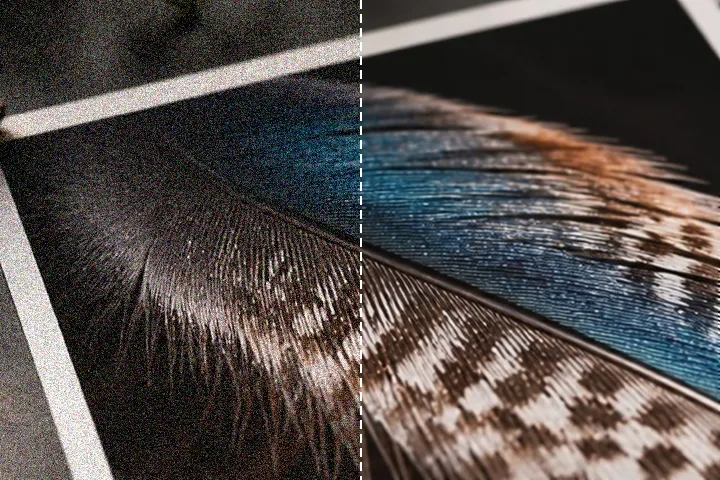
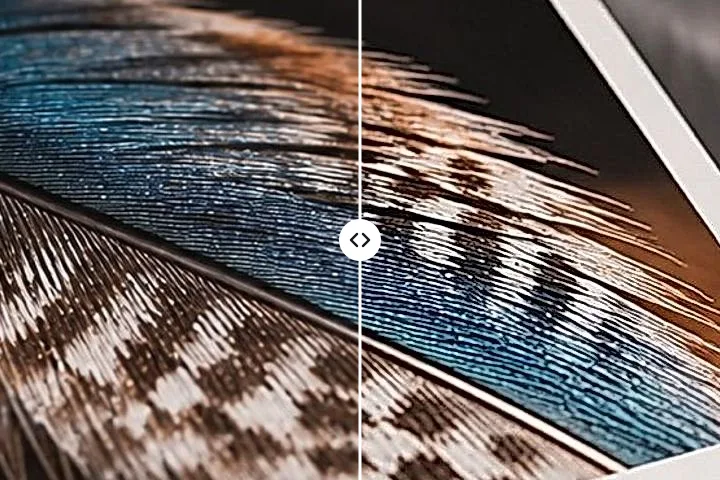
The mechanism is older than digital photography and is still the best description of what happens. A blurred copy of the picture is subtracted from the picture, leaving a residual that holds only the rapid changes — edges, texture, and noise, which at this scale are indistinguishable. That residual is multiplied and added back, so the light side of every edge gets lighter and the dark side gets darker. Nothing new appears. The step that was already there is made steeper, and an eye reads a steeper step as a crisper edge. Push it and the same mechanism draws a pale line along the light side and a dark one along the other, which is a halo, and which is the entire subject of the clamps at the detail station.
| Control | What it sets | What goes wrong at the top of its range |
|---|---|---|
| Amount | How much of the residual is added back | Rims on every edge, and noise promoted to texture |
| Radius | The scale of detail the pass acts on | The rim becomes wide enough to read as a drawn outline |
| Threshold | The smallest residual that is allowed through | Nothing is sharpened at all; the picture is untouched |
| Clarity | Contrast between regions, not across edges | Banding in a clear sky and heavy midtone shadows |
Working through the six stations
- Measure. Two figures are taken before anything is offered: the mean gradient across the strongest edges, and the noise floor from a high-pass residual in the flat regions. Both are printed.
- Say what is wrong. Soft focus, camera shake, or a picture that is flat rather than blurred. The three take different paths through the engine, and the wrong one produces a worse result than doing nothing.
- Sharpen. Four conservative presets — web, scan, portrait, product — each drawn from your own picture, one strength control, the choice between luminance-only and per-channel sharpening, and a feathered region if only part of the frame should take the pass.
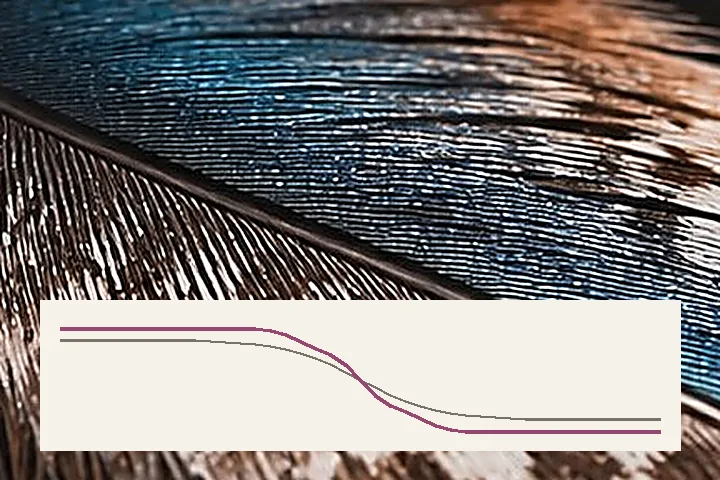
- Detail and halo. Amount, radius and threshold, the two clamps and the edge mask, with the realised rim printed in code values beside them. The loupe shows one image pixel per screen point, or two; the trace under it draws the tone across the worst edge before and after.
- Clarity. Local contrast at a large scale and structure in the mid-frequencies — a different operator from the mask, with a different failure.
- Output. A screen preset is gentle; a matte inkjet preset looks far too strong on a monitor and is correct on paper. The export re-runs the identical passes over the full-resolution frame.
What this page will open, and what it turns away
JPG, PNG, WebP, AVIF, BMP and ICO decode directly. A TIFF the browser will not open itself — Chrome and Firefox — goes through this site's own decoder: strips or tiles, uncompressed, PackBits, LZW or Deflate, 8 or 16 bits; CMYK is turned away with a reason. HEIC fetches a WebAssembly decoder the first time one appears and not before, and comes back out as JPG or PNG because no browser writes HEIC. Files up to 120 MB, and up to about 32 megapixels before the page offers a lighter working copy as a choice — 16 on an iPhone or iPad, where the canvas ceiling is lower and exceeding it fails silently. Everything here is 8 bits per channel, on every route: a 16-bit file is reduced on the way in, and a smooth sky that was going to band will band.
- A CMYK JPEG is refused by name before the decoder is asked. No browser reads the four-ink model, and converting it here would move the colours before the sharpening started.
- An animated GIF or WebP has its first frame taken as a still and the rest left behind, because a per-frame deconvolution is an enormous amount of arithmetic for a result almost nobody wants.
- A frame that was genuinely out of focus is not recoverable here or anywhere. The information is gone, not hidden, and the motion-path route argues that case at length rather than shipping a slider that implies otherwise.
- Capture metadata does not survive the export. The file is written from the pixels, so camera, lens, exposure and GPS are dropped; orientation survives because it was applied to the pixels when the file opened.
- Under about 400 pixels on the long edge the radius is capped at 1.2 px, with a note saying why: there is nothing at a finer scale for the control to act on.
Things people ask after a bad sharpen
I moved the amount slider a long way and the picture at fit size barely changed. Is it working?
It is working and the fit view is hiding it. Fitting a 6000 pixel frame into a 700 pixel box discards eight of every nine pixels, and the ones it discards are precisely the ones an unsharp mask alters — the single-pixel rims either side of an edge. That is why this page opens at 100% on the busiest part of the frame and labels the whole-frame view as a locator. Judge the setting where the pixels are, then trust it.
White lines have appeared along the roof against the sky. What did I do?
Nothing unusual: that is the overshoot half of a halo. An unsharp mask brightens the light side of an edge and darkens the dark side, and once the bright side is pushed further than the sky around it the eye reads a drawn line rather than a sharper roof. Drop the overshoot clamp until the rim stops standing out — it limits how far a pixel may run past the brightest value its own neighbourhood already held — and leave the undershoot clamp where it is, because the dark rim on that edge is doing useful work.
Why is the radius measured in something other than how much sharper it gets?
Because the radius does not set the strength at all, it sets the scale. It is the standard deviation of the blur that is subtracted to make the high-pass residual, so it decides which size of detail the pass acts on and how wide the resulting rim is — roughly three times the number you set. Amount decides the strength. Two people asking for a stronger result will move different sliders and get very different pictures, which is why both are exposed rather than merged into one marked thin to thick.
The noise in the shadows got much worse when I lowered the threshold. Why is that control so violent?
Because noise and fine detail are the same thing to a high-pass filter: both are small, rapid changes between neighbouring pixels. Threshold is the one control that separates them, and it does it by amplitude — anything smaller than the number you set is passed through untouched, with a soft ramp over the next four levels so no contour appears at the boundary. A file measured at σ 4 wants a threshold near 8; a clean studio frame can sit at 1.
Can the deconvolution rescue a photograph that is simply out of focus?
No, and no tool can. If the frame was genuinely out of focus, the detail is not in the file and no amount of processing will put it back. What this page can do is make a mildly, evenly shaken photograph look like a slightly softer sharp one. A defocused lens spreads every point into a disc and destroys the information; a straight, even camera movement transforms it, and a transform can be partly inverted. The distinction is the whole reason the motion-path route exists.
Does the result differ between what I approved on screen and what gets saved?
Not for the unsharp mask, the clamps, the edge mask or the local contrast passes: the inspection patch is cut at full resolution with an apron of real picture around it, and the export runs the identical function over the frame in tiles with the same apron. On the test fixtures the two agree to the code value. The deconvolution is the one pass that is not a local operator, and there the agreement is measured rather than guaranteed — a code value or less at blur lengths up to about twenty pixels.
What the file pays on the way out
Sharpening is the operation an encoder finds hardest, and it is worth knowing why before the download dialog appears. The residual this page adds back is high-frequency content, and high-frequency content is the first thing a lossy coder spends its budget on and the first thing it throws away when the budget runs short. So the frame approved on the stage and the file that lands on disk can differ by more than the sharpening itself moved, and that difference is decided at the output station rather than in the loupe.
| Written as | What it costs | When it is the one to pick |
|---|---|---|
| JPG | The rims you just tuned are what the quantiser attacks first. At the default 90 they survive; somewhere below the low eighties the clamp work comes undone as ringing. | A photograph headed for a screen or an inkjet, where bytes are not free |
| PNG | Nothing at all to the pixels, and a great deal to the byte count: a sharpened frame is less predictable than the one that went in, so lossless coding of it costs more than it did before. | Text, screenshots, line art, and any frame that will be opened and edited again |
| WebP | Less than the JPG for a result that stands up to the same 1:1 inspection, at the price of a handful of very old viewers that will not open it. | Anything going straight onto a web page |
All three are written from the pixels, which is why no capture metadata survives, and all three are written by the browser itself rather than by a codec this page downloads. Nothing is re-encoded twice: the passes run once over the full frame and the result goes straight into the encoder.
Where this carries on
Six more routes, and none of them is this one with a different preset on it. Each puts a different control in front of you and answers a different sentence: output sharpening for paper is not the same operation as creative sharpening, a set of files is measured one file at a time, and the local-contrast pass is a different operator with a different failure. The written reference behind the controls is where the numbers quoted beside them are defended at length.
Unblur an image measures the blur, names its kind and runs the pass that suits it, with an honest verdict when the detail is gone. Motion path estimates an angle and a length and inverts them within stated limits. Local contrast works at twenty to eighty pixels over a guided base layer. Sharpen for print adds a separate output pass for paper, size and viewing distance, and sharpen after resizing restores acutance on the destination grid. Batch sharpening measures every file separately and collects the results in a ZIP. The reference shelf holds six written pages, and the engine report is what this site was measured against.